Where downloaded Threads files go: check before retrying
Check the browser’s download list first, then open the file’s location in your file manager. A completed download may be stored as a file without appearing in Photos or Gallery. Adding it to a photo library can require a separate action.
Start with the complete guide: Threads download not working? Check these causes
Open downloaderA missing gallery item is not necessarily a failed transfer. Start with the browser’s completed record, match the filename and open the actual file before requesting another copy. Then decide whether the task is locating, moving or re-downloading. The screenshot shows the site’s completed state; device-specific file menus are covered by the linked official guidance.
Before you begin
- A public post containing the relevant media and its complete link.
- A browser with file-download permission, a stable connection and enough free storage.
- Permission for the intended use; keep the original post address with your saved files.
Step-by-step walkthrough
Step 1: Find the completed download before trying again
The screenshot shows the site’s Downloaded state. Next, open your browser’s downloads list and locate the corresponding filename. Open the entry or its file location. The page preview remains on the website; the downloaded file is the separate item managed by your browser.
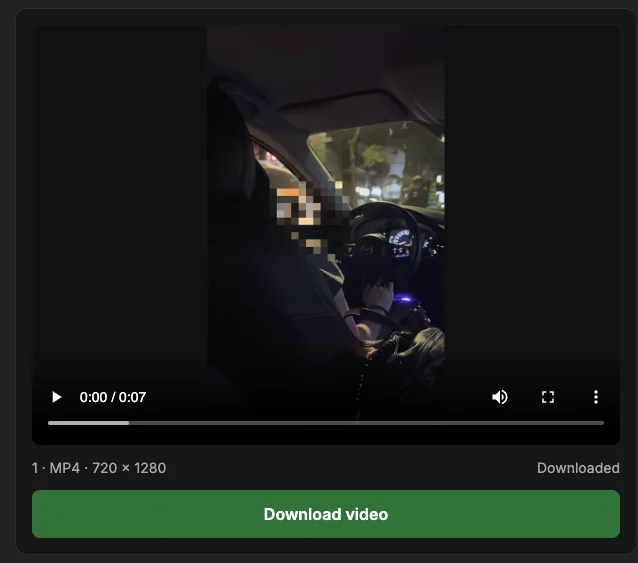
If an entry exists, check its status and size before repeating the download. If you moved the file, its old history entry may not locate it anymore. Search your chosen destination using the post code. Finding the file in storage and adding it to Photos or Gallery can be separate operations.
Step 2: Keep the post code and item number when organizing
A typical filename is threads_POSTCODE_2.jpg or threads_POSTCODE_1.mp4. Match its number with the preview before renaming or moving it. For a multi-item post, those numbers are a simple way to reconstruct the order without relying on the file manager’s date sort.
Create your own destination folder if useful, and preserve the extension. Repeating a download may cause the browser to add a suffix to avoid a name collision. Treat that suffix as a duplicate indicator, not a new attachment number. Keep the original post link alongside any file you plan to reuse.
Step 3: Add a finished file to a photo library if needed
First open the completed file from your browser or file manager. On iPhone or iPad, Apple documents Files → Browse → iCloud Drive → Downloads as one download location. A custom Safari destination can differ; the file is not necessarily in Photos.
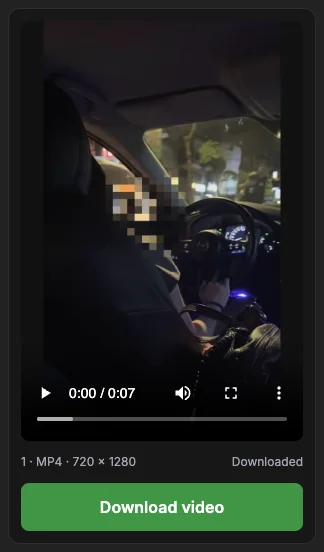
Use the device’s available sharing or saving control if you want it in a photo library. Do this only after confirming the file is complete. This screenshot is the website’s narrow layout, not the Files app or a tested sequence for every phone. Check the linked browser and device instructions for their current menus.
Step 4: Retry only the failed stage or attachment
Return to the point where the operation stopped. If the URL was invalid, replace it with the correct post link. If previews loaded but one save failed, first retry that attachment. If the media address expired, analyze the original post again to request fresh media information.
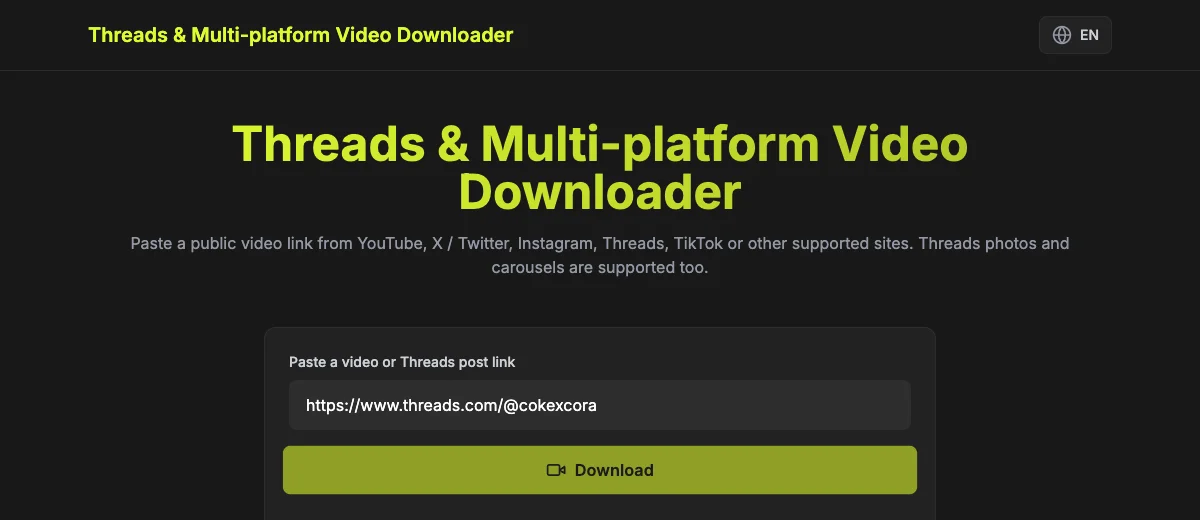
Check already completed files before Download all so you do not make unnecessary copies. A removed, private or text-only post is not repaired by repeated requests. For a temporary source or network failure, wait and try the same public post later. Describe the symptom precisely if you need help.
Start with the browser’s record
Look for a completed entry and its filename. The video extension is MP4; image extensions depend on the source. If the entry is still preparing or reports an error, the file may not have finished saving. Do not assume a missing gallery item means the source post could not be parsed.
Related guide: Threads download not working? Check these causes
Match the filename to the post
ThreadsDL names include the post code and attachment position. Use those numbers to distinguish several carousel files. A browser may add a suffix when the same filename is downloaded again. Check existing files before repeating Download all.
Related guide: Download a Threads carousel: choose items and save all
Move a complete file when necessary
Use the device’s available file or sharing controls to add a completed file to Photos or Gallery if desired. The exact menus depend on the browser and operating system. These instructions describe the distinction between file storage and a photo library, not a tested menu sequence for every device.
Related guide: Download Threads videos on a phone: browser workflow
When to retry the download
If there is no completed entry, check storage, connectivity and browser download permissions. Try one attachment and keep the tab open. If the downloader reports an expired or unavailable media file, analyze the original post again; if the file is already saved, locate it first instead of creating more copies.
Related guide: Threads download not working? Check these causes
How to confirm the result
- A completed browser entry matches the post code and attachment number.
- The file opens from storage, even if a gallery entry is absent.
- Renames or moves preserve extensions and the original attachment order.
Questions about this workflow
Does deleting a history entry delete the file?
Browser history and the file in storage are separate. Chrome’s official guide explains its history behavior. Check the actual destination before assuming the file was deleted or downloading another copy.
Why is there a number after the filename?
Browsers may add a suffix to avoid duplicate names. Compare it with the original attachment number in the ThreadsDL filename; a browser duplicate suffix does not indicate a new carousel item.
When should I download again?
Retry if the transfer was incomplete, the saved file is missing from its actual destination, or the file cannot open. If a complete file merely is not in Photos, locate it and handle the library step first.
Sources and screenshot notes
ThreadsDL production screenshot, 30 September 2026. Use your own public post; previews vary.
Screenshots use the public video and photo examples listed in the measurement record. They document the controls and observed results, not universal compatibility.